Every LJSSC customer gets a portal. Documents, schedule, selections, invoices, and a direct line to your project manager.
The usual complaint about contractors is not the work. It is not knowing where things stand, not being able to reach anybody, and finding out about a change after it already cost money.
Your portal fixes that. Everything to do with your job lives in one place, updated as we go, and you can get to it any time without waiting for someone to call you back.
Sign In to Your Portal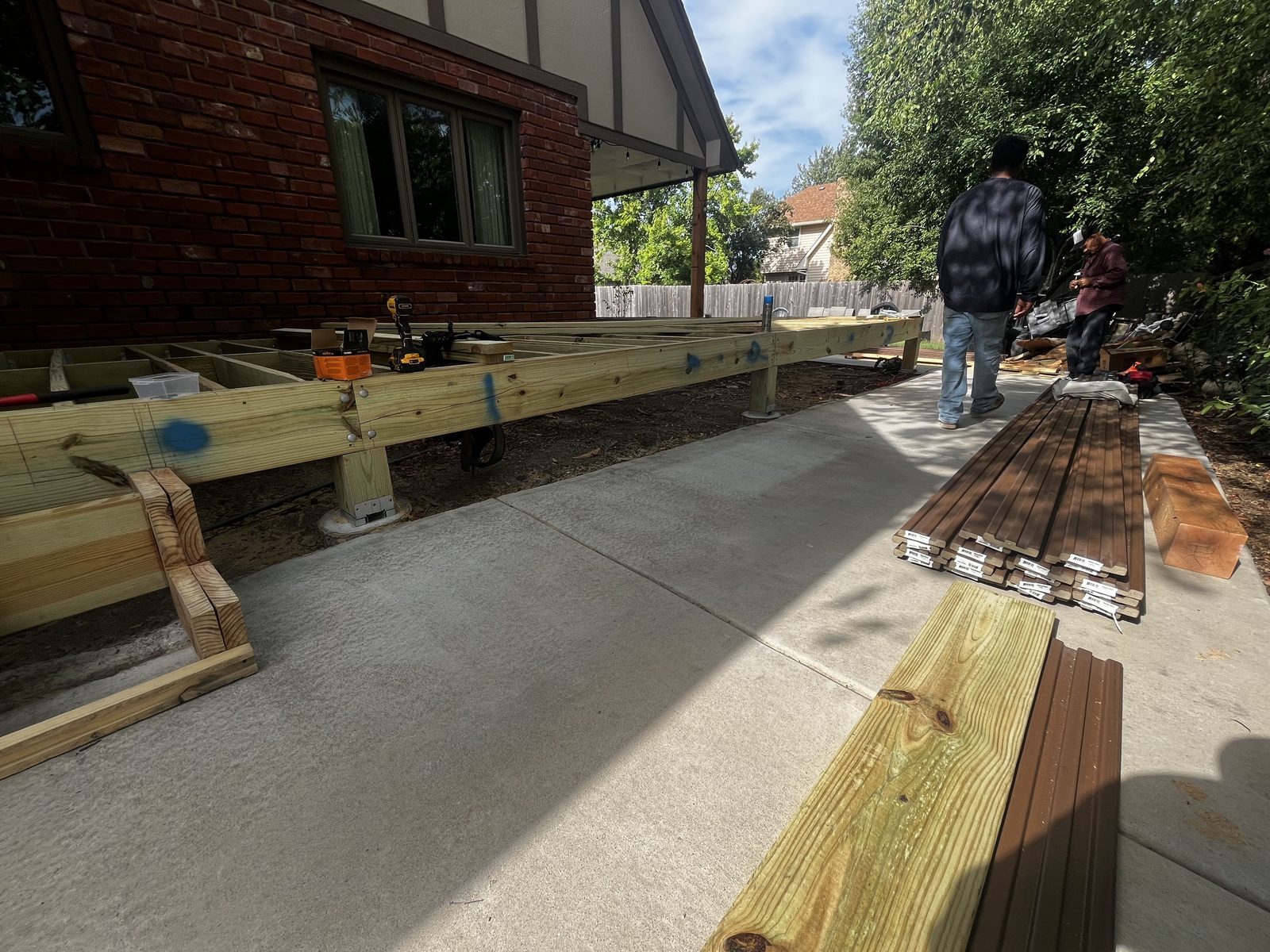
Your proposal, contract, permits, warranties, and change orders. Signed copies stay available, so you are never hunting through email.
What phase the job is in, what is happening next, and anything we need from you.
Review and approve your selections, with photos and specs attached, so nothing gets ordered on a guess.
What has been invoiced, what has been paid, and what is outstanding. Pay through the portal if you prefer.
Progress photos as the job moves, plus any files either of us needs to share.
Comment on a document or ask a question and the whole team sees it. Everything stays in one thread instead of scattered across texts.
Whenever we send you a document, the email contains a link that opens your portal directly. No username, no password. That link is yours, so do not forward the email on.
If you have set a password, sign in from this page any time. You will need a password if you want to add the portal to your phone as an app or make payments through it.
Open your portal from an email link, click your initials in the top right, verify your email, and set a password. Takes about a minute.
Tell us about your project and we will get you a number.